Understand your tune
at a glance
CobbVision turns your Cobb Accessport datalogs into a clear health score, real-vs-false knock analysis, and actionable insight — no spreadsheet wrangling, no guessing whether that −1.4° blip was detonation or piston slap. Works with every Accessport-supported vehicle: Subaru, Ford, VW, Mazda, Mitsubishi, and more.
Everything in your datalog, finally readable
CobbVision reads every channel your AccessPort logs and interprets them the way an experienced tuner would — in context, scoped to RPM and boost, never flat thresholds.
Health Score
A single 0–100 score per session, derived from anomaly density and critical-event count — instantly see if a log is clean or needs a closer look.
Knock & DAM analysis
Reads DAM, Feedback Knock Correction, and Fine Knock Learning together to tell real detonation from false-knock noise — with platform-aware rules for EJ, FA-DIT, and other Accessport engines.
RPM & boost-scoped anomalies
A lean AFR at cruise is fine; the same number under 12 psi is a problem. Thresholds adapt to load instead of firing flat alarms.
Relationship Engine
Cross-channel rules catch what single gauges miss — boost target vs actual divergence, AVCS noise mimicking knock, fuel-supply lean-out toward redline.
Datalog Player
Replay any session with live arc gauges, Chart.js sparklines, a scrub bar, playback speed control, and a GPS lap-trace map overlay. A whole trip — multiple GPS files and datalogs — plays on one fused wall-clock timeline, with low-confidence matches flagged and gaps shown honestly.
AP Preset (.ptc) Builder
Compose Cobb Data Log Preset files by picking channels by category — with the 32-channel AP3 limit enforced and USB install steps included.
Vehicle profiles & sharing
Track mods, tune history, and photos per car. Publish a shareable public profile at /v/your-build with rich OG share cards.
AI narratives
An on-demand plain-English summary of each session's health, anomalies, and recommendations — bring your own key or use CobbVision credits.
Two-factor security
Protect your account and build history with optional two-factor authentication — any TOTP app (Google Authenticator, Authy, 1Password) plus one-time recovery codes.
Engine Health page
A per-vehicle view that scores cross-channel relationships across every log — and only judges what you actually recorded, with plain-English explanations.
Site themes
8 built-in color themes — Midnight, Carbon, Slate, Nord, Solarized, Cobalt, Crimson Performance, and Daylight — owner-selectable site-wide with a single click.
Smart Engine offload
Run the optional CobbVision Smart Engine container on your own machine and uploads process there — GPU/Ollama-accelerated, balanced across a mesh of your engines, reachable by its own DNS hostname (LAN-first routing), and configured entirely from the control plane. Upload a log straight from an engine, or let nothing change when no engine is online.
Webhooks
Wire CobbVision into your own tools. Subscribe an HTTPS endpoint to events — analysis completed/failed, critical anomaly, datalog uploaded, trip created, engine online/offline, VIN locked — and get a JSON callback signed with HMAC-SHA256 the moment it happens.
The Datalog Player
Every analyzed log becomes a replayable session. Press play and CobbVision animates your drive through live arc gauges and digital readouts — scrubbed along a timeline, with a GPS route trace when a track is attached. It's the dashboard a tuner would build by hand, already done for you.
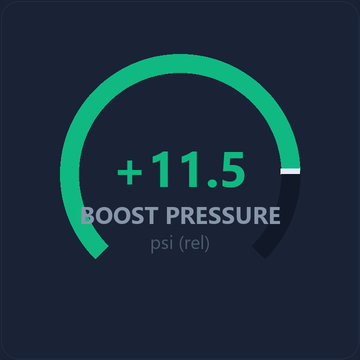
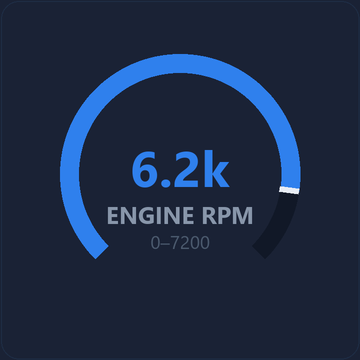
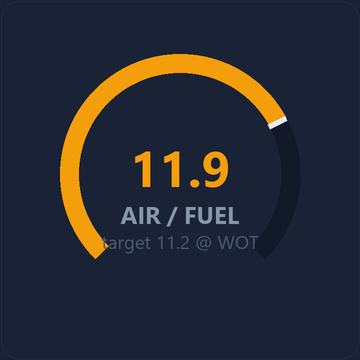
- Live gauges — Boost, RPM, AFR arc dials plus DAM / knock / timing readouts update as the log plays.
- Scrub & speed — jump to any moment, change playback speed, and watch a pull frame by frame.
- Dash skins & GPS — drop your own dash photo behind the gauges or overlay the GPS lap trace.
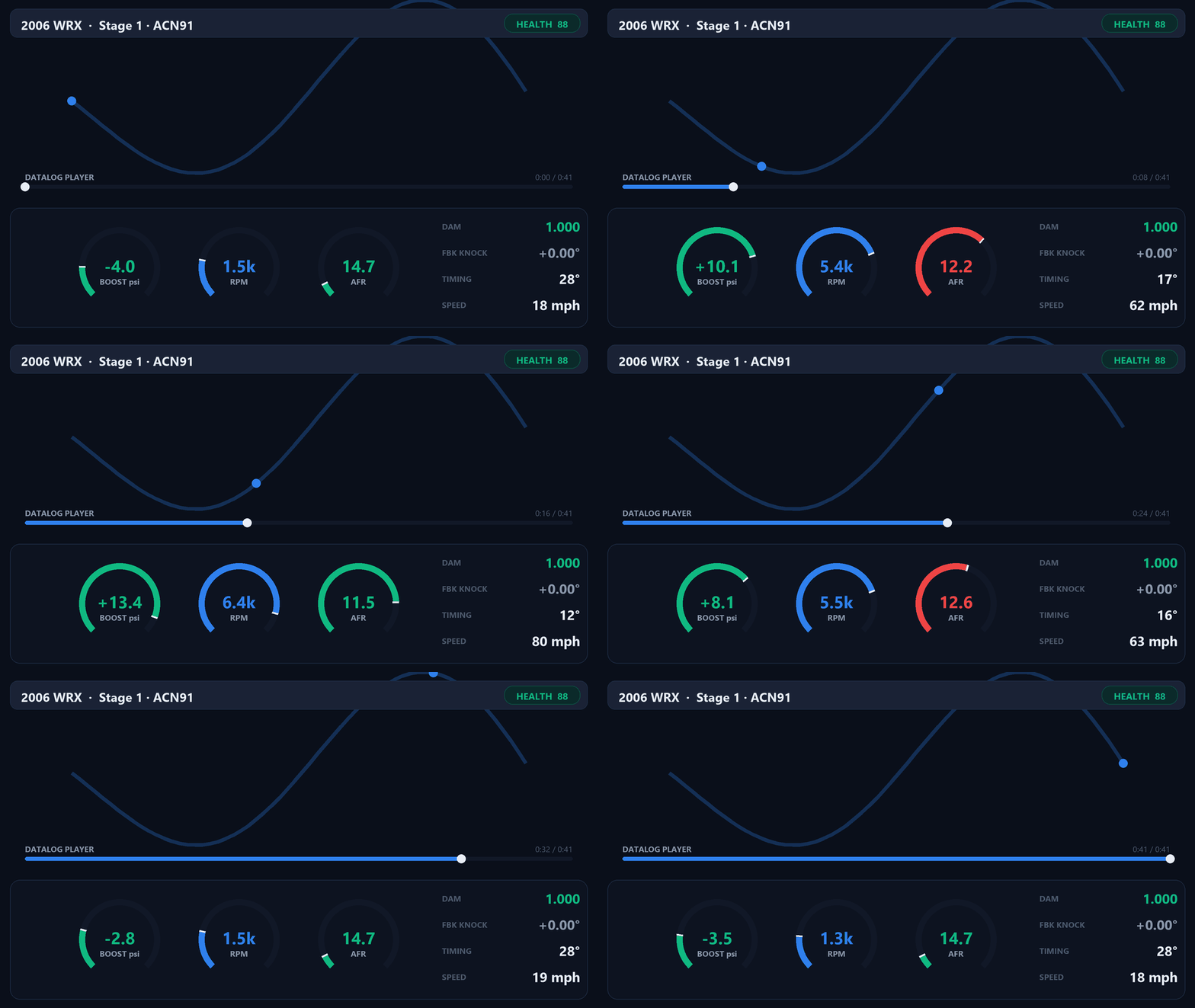
A Stage 1 WRX pull replayed in the Datalog Player — gauges and readouts move with the timeline.
Get your datalog into CobbVision
Plug your AccessPort straight into a Chromium browser, or drag your CSVs in. Either way analysis runs automatically.
Connect AccessPort (WebUSB)
In Chrome, Edge, Brave or Opera, plug your AP3 into your computer and pull a datalog right in the browser — decompressed and analyzed, no app install. (Needs a Chromium browser — see the banner up top.)
Smart Upload
Drag in CSVs or a whole ZIP — CobbVision auto-detects the vehicle from the AP Info, creates it if needed, and queues every log. A live status page walks each one through parsing → analysis → health score.
Presets, trips, history & trust
Datalog presets
Build a Cobb .ptc preset by picking channels by category (32-channel AP3 limit enforced), save it to your device, and log exactly the data CobbVision needs.
Trips & History
Drop in a GPS file and it auto-becomes a Trip — cross-matched to the datalog it belongs to with a confidence %, drawn on a route, and rolled into a per-vehicle History so you can compare runs over time.
Anti-fraud device fingerprint
Each log carries its AccessPort's identity. CobbVision checks the device fingerprint so a vehicle's tune and health history can't be quietly faked.
Native AP Manager app
A native desktop AccessPort Manager reads logs and manages your device — for when you'd rather not use the browser, or want auto-upload from a watched folder.
From CSV to clarity in three steps
Upload your AP CSV
Drag in the datalog straight off your AccessPort — or let the native companion auto-upload from the USB drive. We alias every Cobb column variant for you.
We analyze the log
Knock, AFR, boost, fuel trims, and cross-channel relationships are scored in context — RPM- and boost-scoped, with vehicle-aware thresholds for every Accessport platform.
Get your score & fixes
A health score, a ranked anomaly list, and concrete first-checks — boost leaks, octane, heat soak, gaskets — so you know what to do next.
It actually knows your engine
Generic OBD tools fire flat alarms. CobbVision encodes platform-specific knowledge — starting with the deepest Subaru ruleset in the wild, extended to every Accessport-supported make.
- EJ vs FA-DIT awareness — a sub-1.0 DAM is a red flag on an EJ but often perfectly normal on an FA DIT engine.
- False-knock vs real-knock — discriminates by how DAM, feedback knock, and FKL move together, not a single channel.
- OTS map notes — recognizes loaded Cobb calibrations and surfaces the relevant per-map notes and warnings for Subaru, Ford, VW, and more.
- Classic failure signatures — intake-manifold-gasket leaks, fuel-supply lean-out, boost creep, heat soak.
Start free. Pay only when you need more.
Your first analysis is on us. After that, pay per log or go unlimited for a year.
Free
- 1 full analysis
- Health score & anomalies
- Datalog Player
Unlimited
- Unlimited analyses
- Relationship & Engine Health
- GPS correlation & AI narratives
- AP Preset Builder
Single log
- Full analysis on one log
- All anomaly detection
- No subscription
Stop guessing. Know your tune.
Upload one datalog and see exactly how your car is running — in plain English, in under a minute. Works with every Cobb Accessport platform.
Start free — 1 analysis on us